Explore RiVo, screen by screen.
Every screen is designed to be used under a helmet, with gloves, in bright sun.
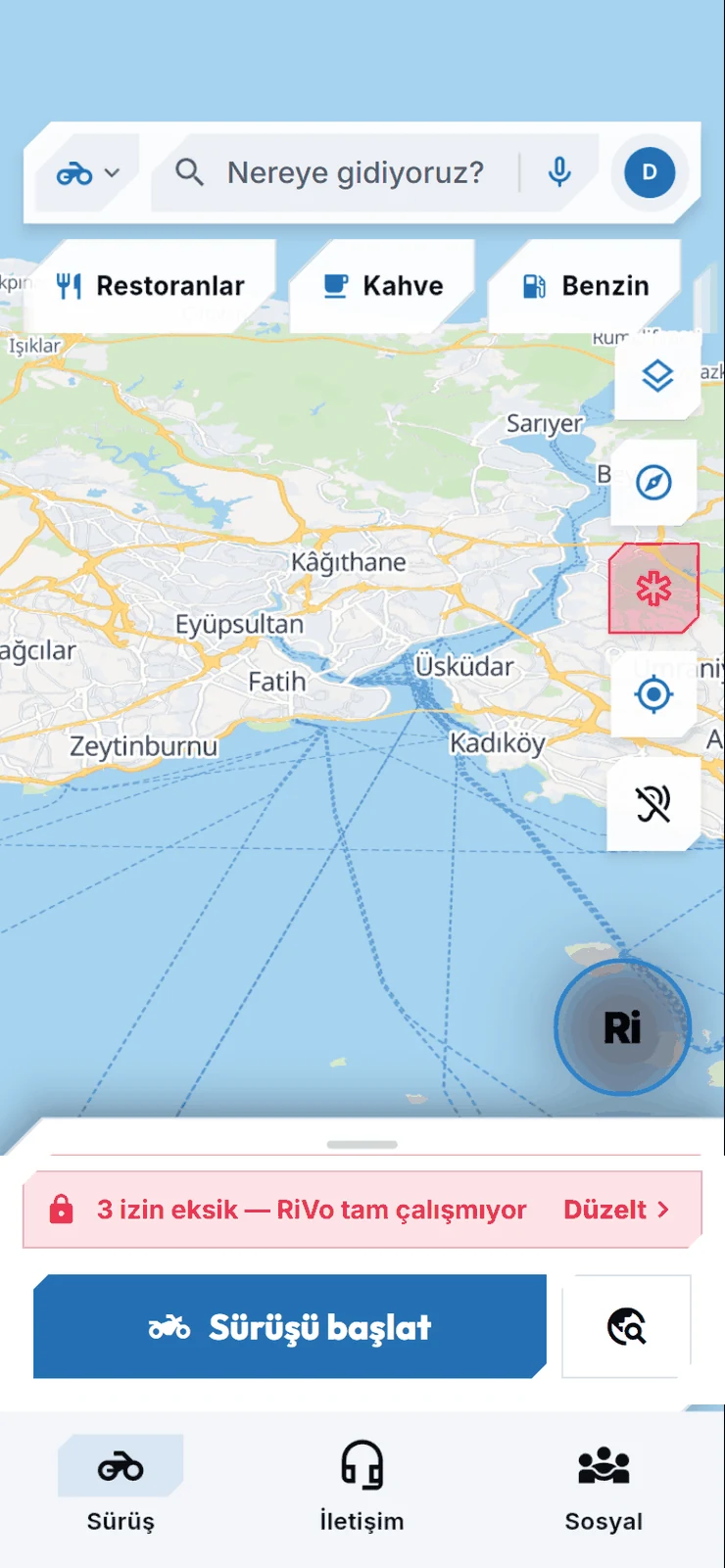
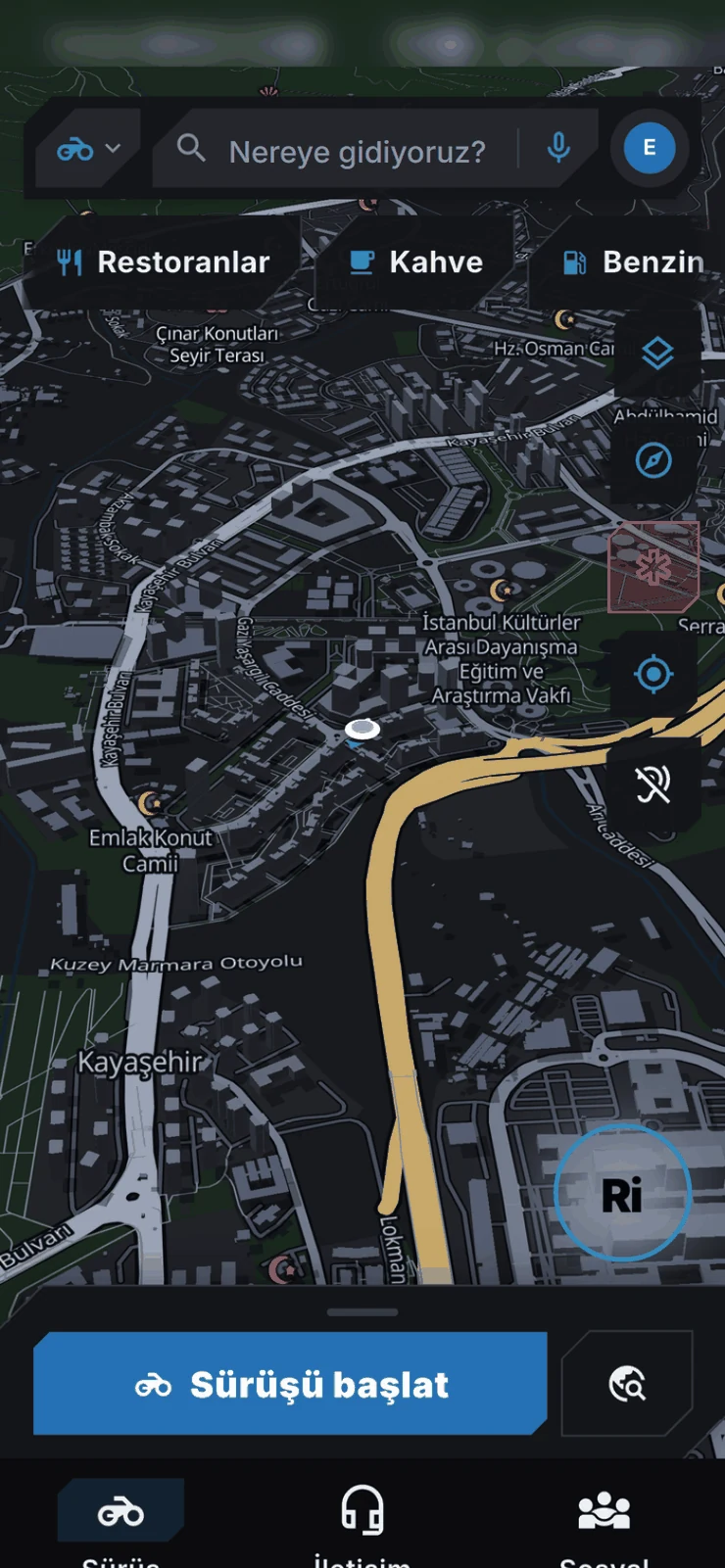
Map up front, everything else one tap away.
A ride tab that keeps search, category chips and the Start ride button on one screen — Google Maps-familiar habits.
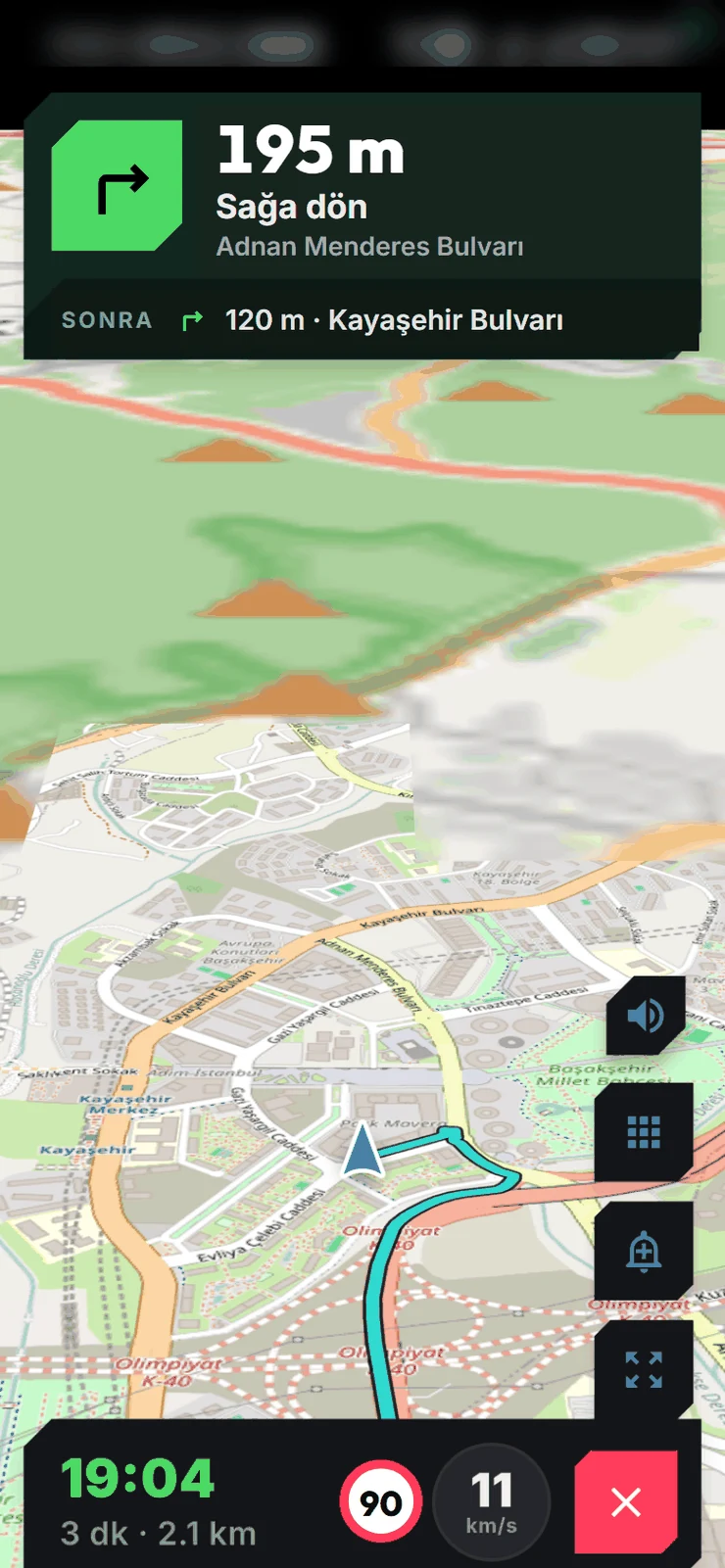
Motorcycle-tuned routes, turn-by-turn with street names.
A preference for curvy roads, radar and hazard alerts, one-tap route changes — all read out loud under your helmet.
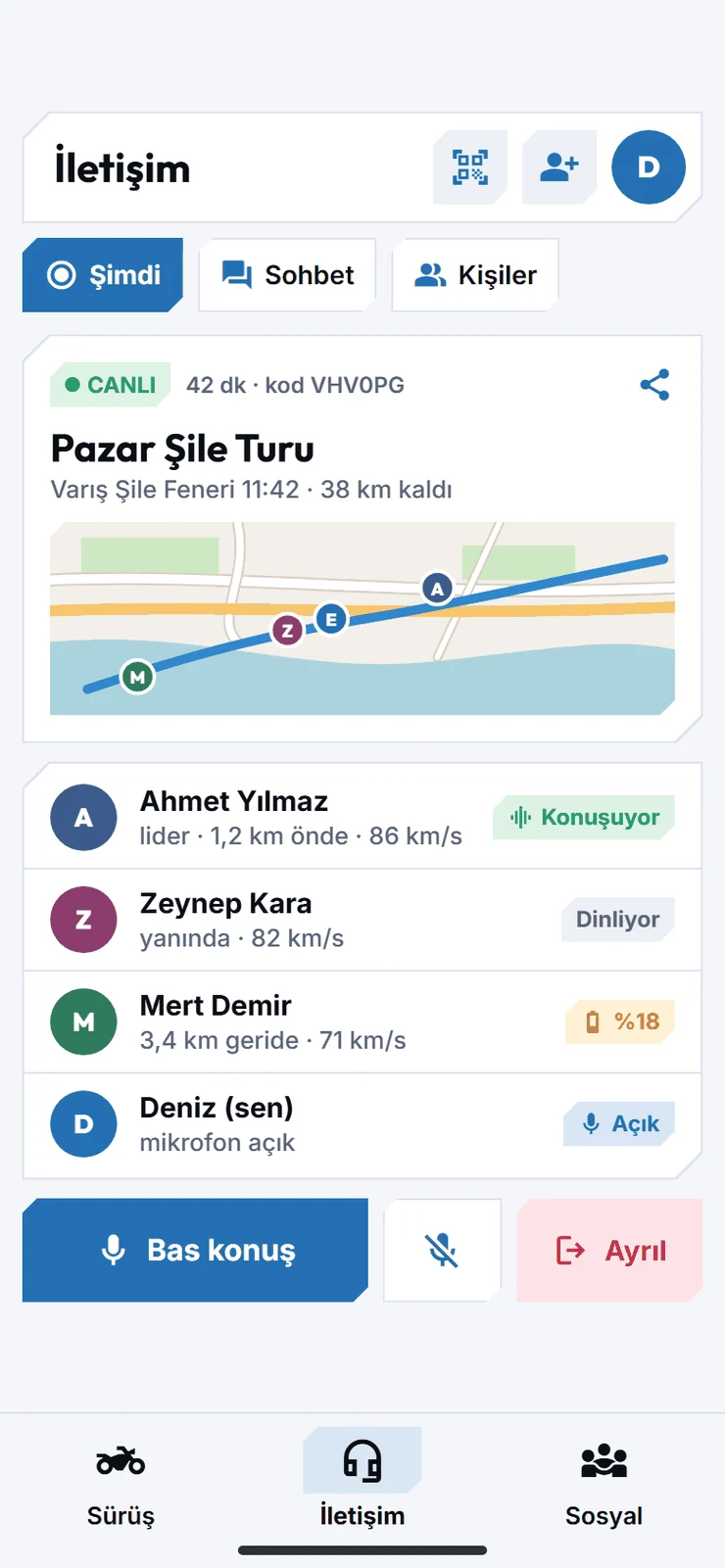
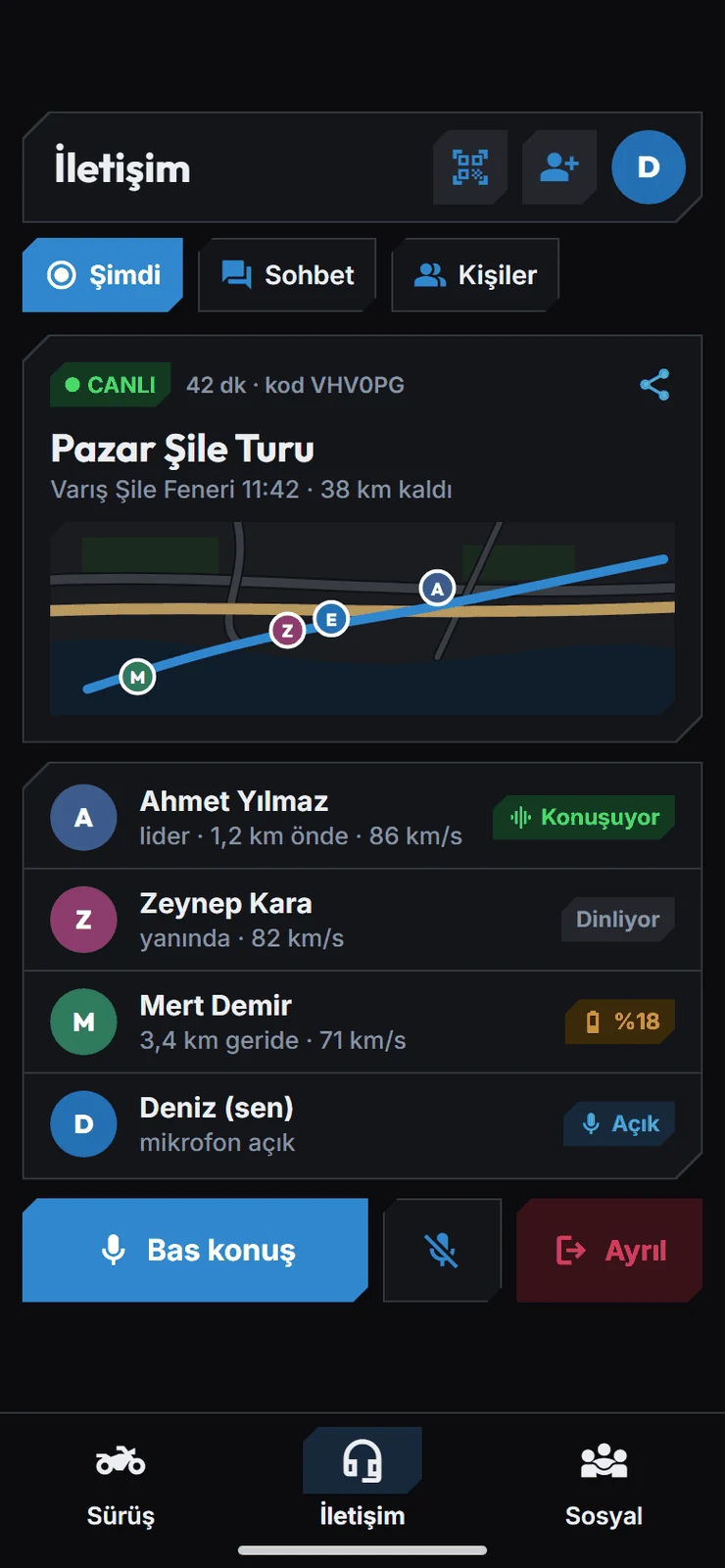
Group rides, at a glance.
Who's talking, who's falling behind, whose battery is dying. Push-to-talk, mute, leave — all under your thumb.
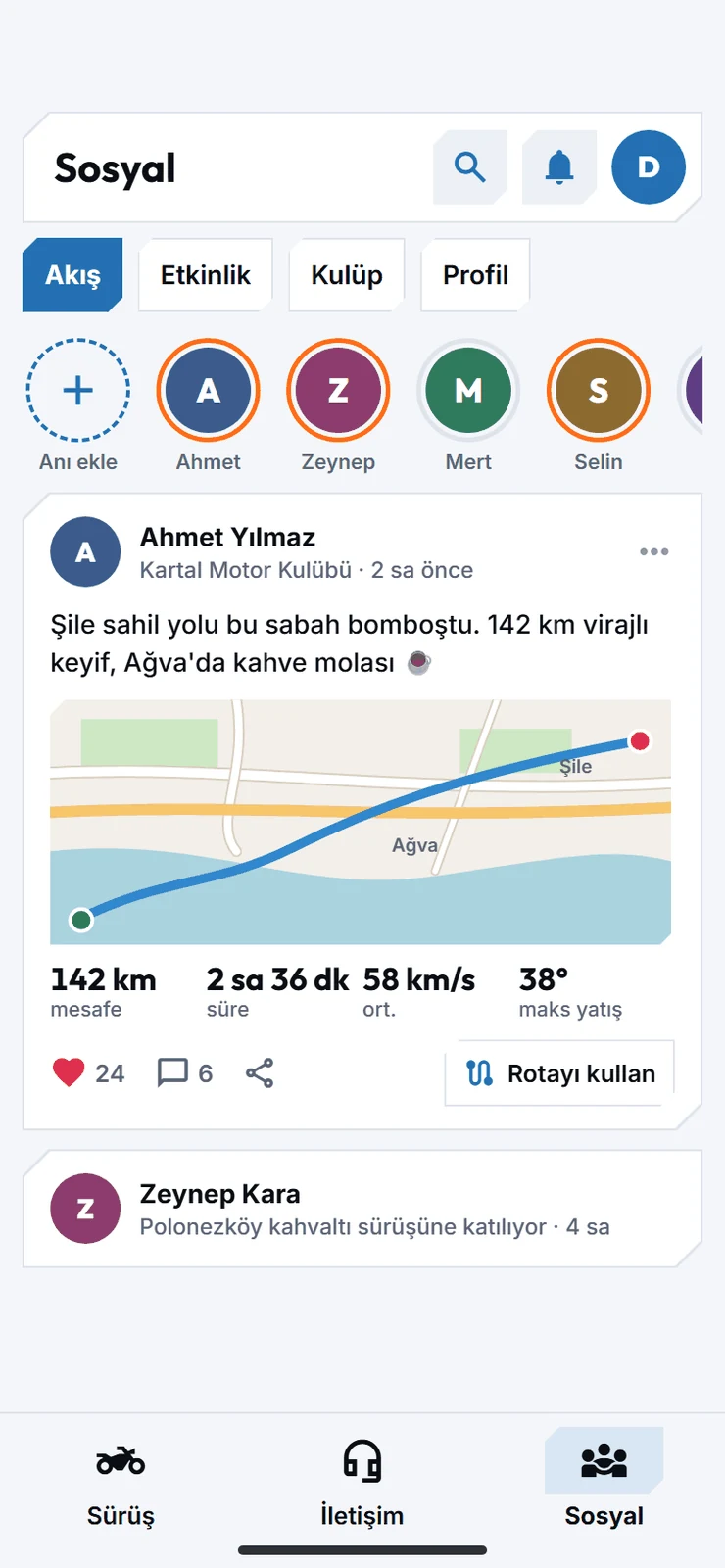
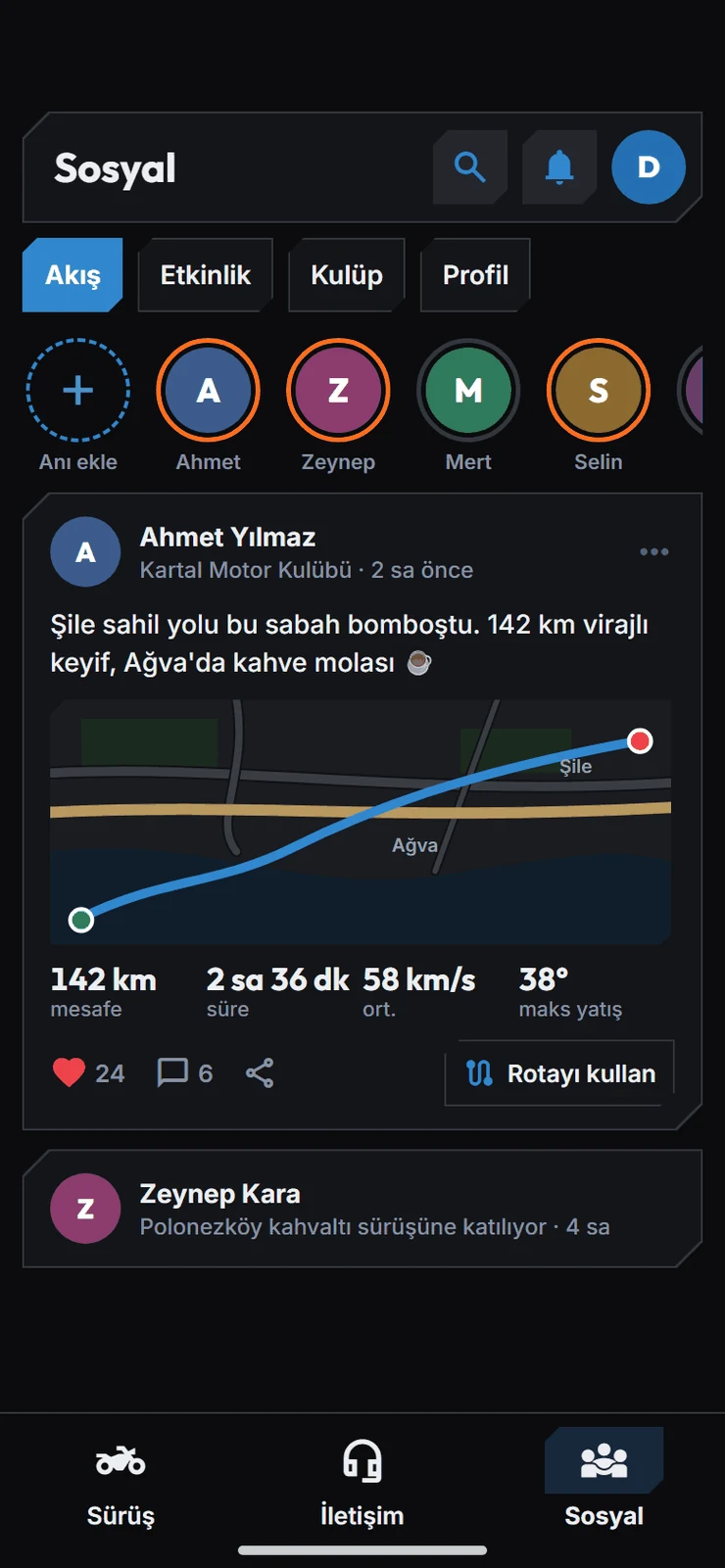
Share your ride, find your crew.
Feed posts carry route, distance and lean-angle stats automatically; communities and events help you plan the next tour.
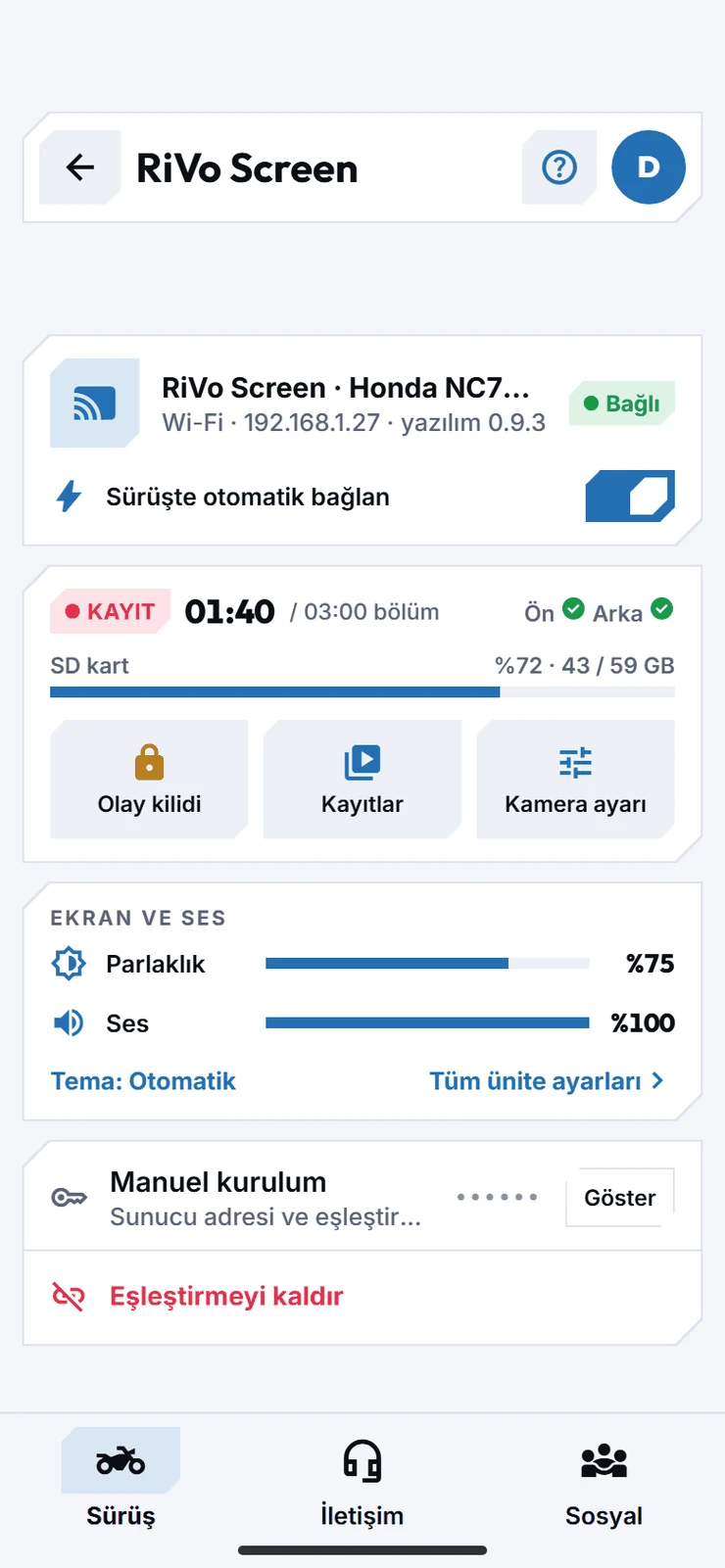
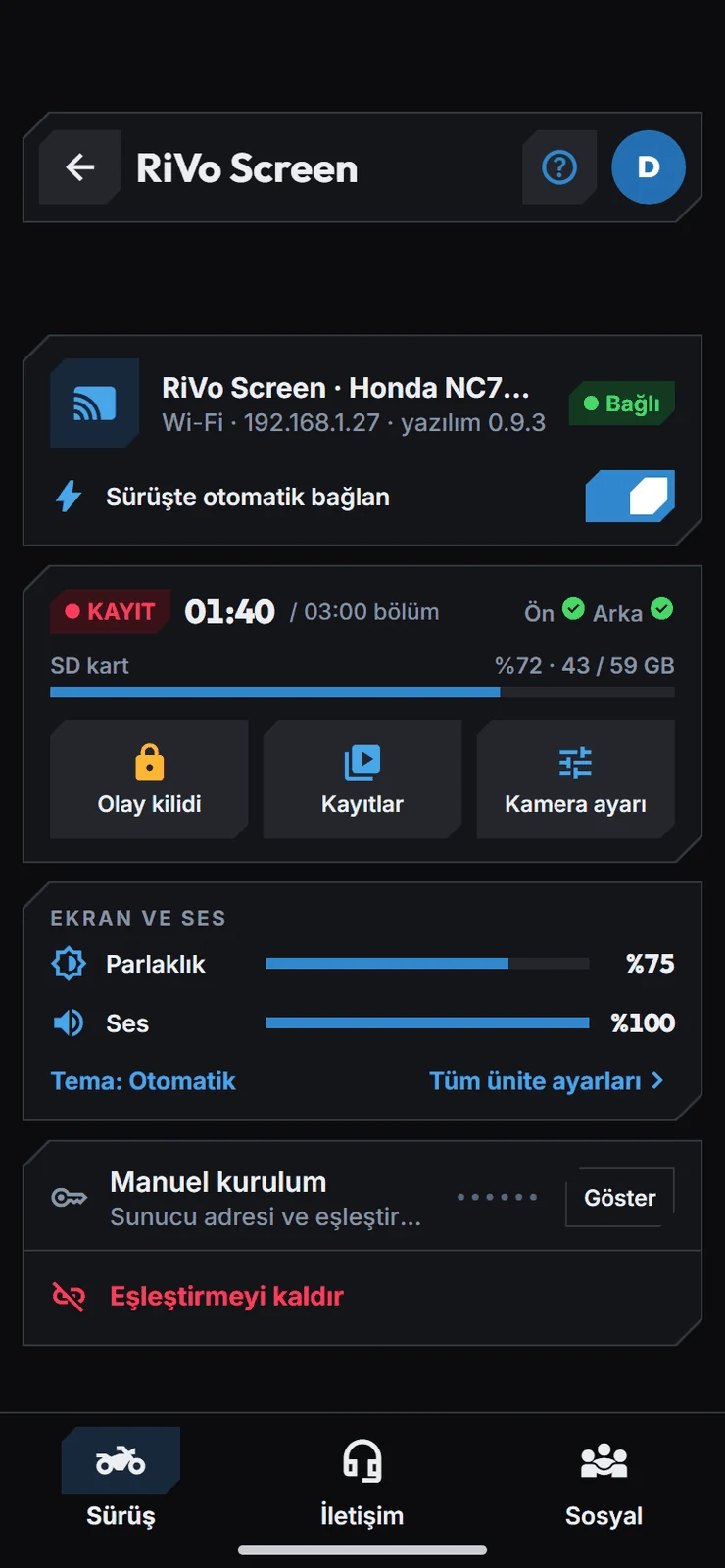
Everything from your phone to your unit.
Recording camera, SD card, brightness and sound — every RiVo Screen setting lives in the app.
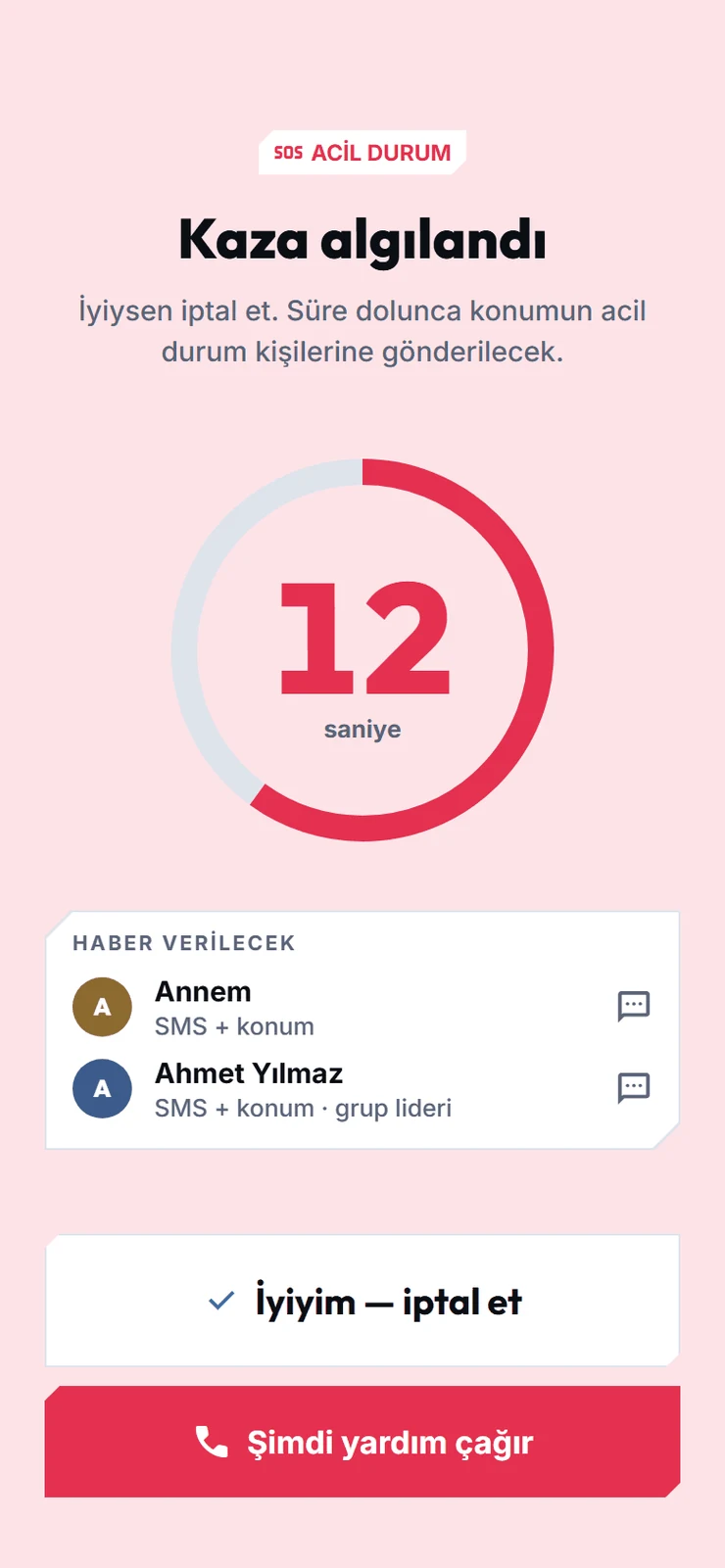
If you go down, RiVo has your back.
A hard fall starts an automatic countdown; if you don't cancel, your location goes to your emergency contacts and your group.