Download
Get RiVo now
The Android app is live on Google Play — the easiest way to install it. If you can't use Play, you can install the APK from here.
- Android · Google PlayAvailable
- iPhone · App Store reviewSoon
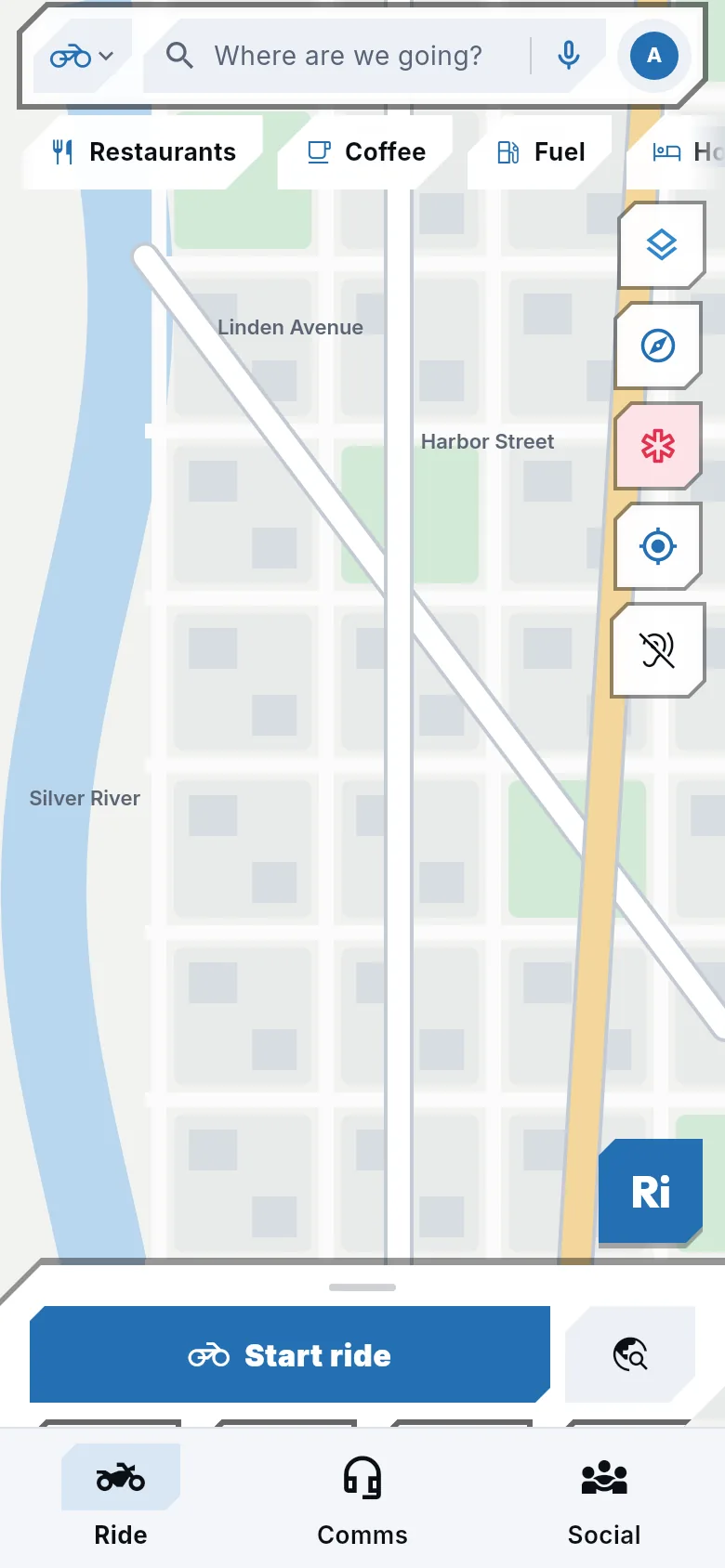
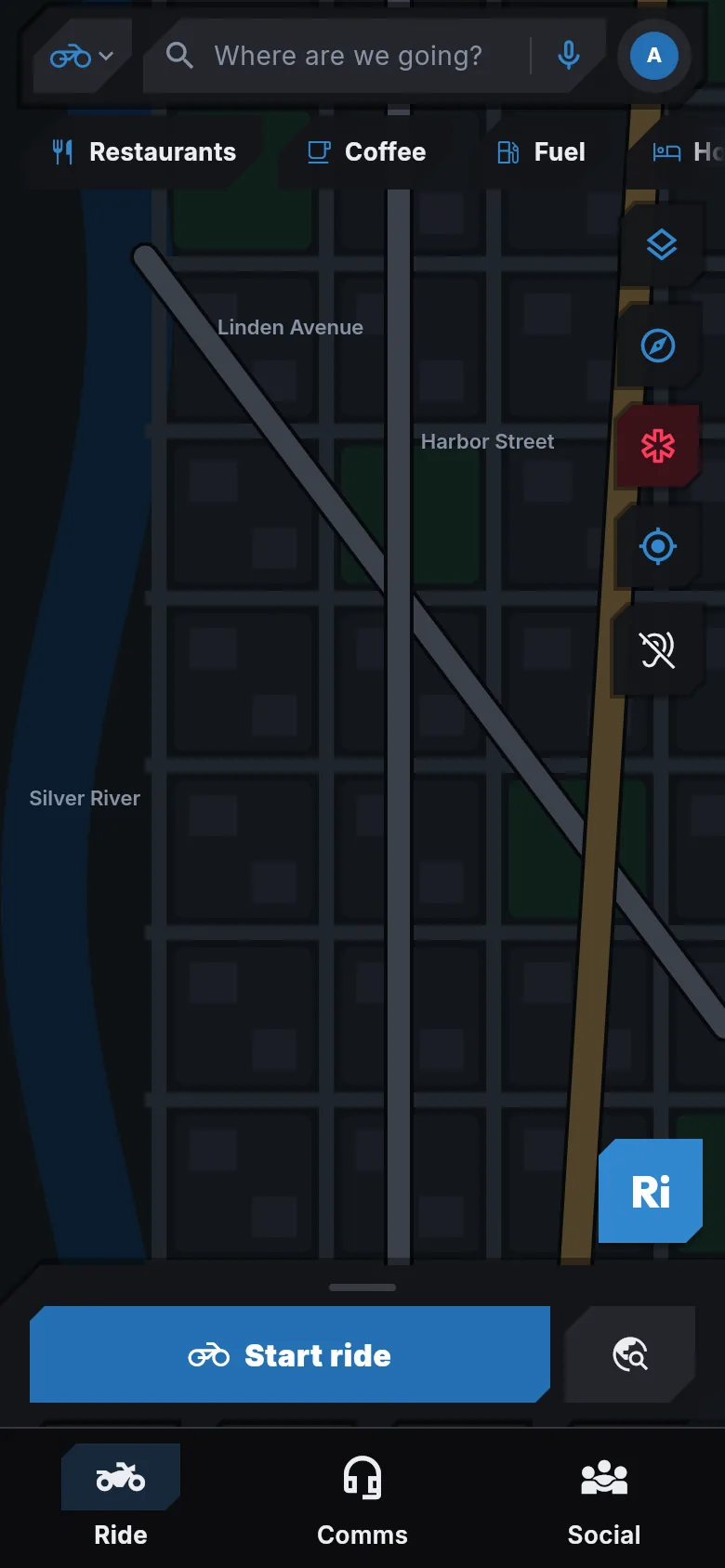
Where RiVo is today
What works, what is being checked, what is next.
Today
- Android app on Google Play
- Motorcycle navigation and loops
- Voice assistant (Android, Turkish wake word)
- Groups and location sharing
- Crash detection and SOS
- Ride recording and 3D ride videos
- Route planning and sharing on the web
Being verified
- Group intercom on real devices
- Helmet headset compatibility tests
- The iPhone version
- RiVo Screen camera recording
Coming
- App Store (iPhone)
- Buying Pro
- Android Auto
- English and German wake word
Can't use Google Play?
Android (APK)
- Version
- 1.0.28 (45)
- Size
- 245.6 MB
- Requires
- Android 6.0+
- Released
- 4 October 2026
SHA-256: f7285ea8eaf7da5679282f9ccce2c911bb50706569a1d5fe765d74b5159334a2
How to install
- Open this page on your phone and tap "Download APK".
- Open the downloaded file. Android will ask to allow your browser to install unknown apps; allow it.
- Tap Install, then open RiVo and sign in with your account.
- New versions are published on this page too; install them the same way on top.
To move from this APK to the Google Play version you may need to uninstall this version first. Your account, routes and rides live on the server and are kept; only offline maps on the device are downloaded again.
Safe download
Only download the APK from this page (letsrivo.com). Its SHA-256 checksum is shown above; the package is signed with RiVo's own key.